General Options
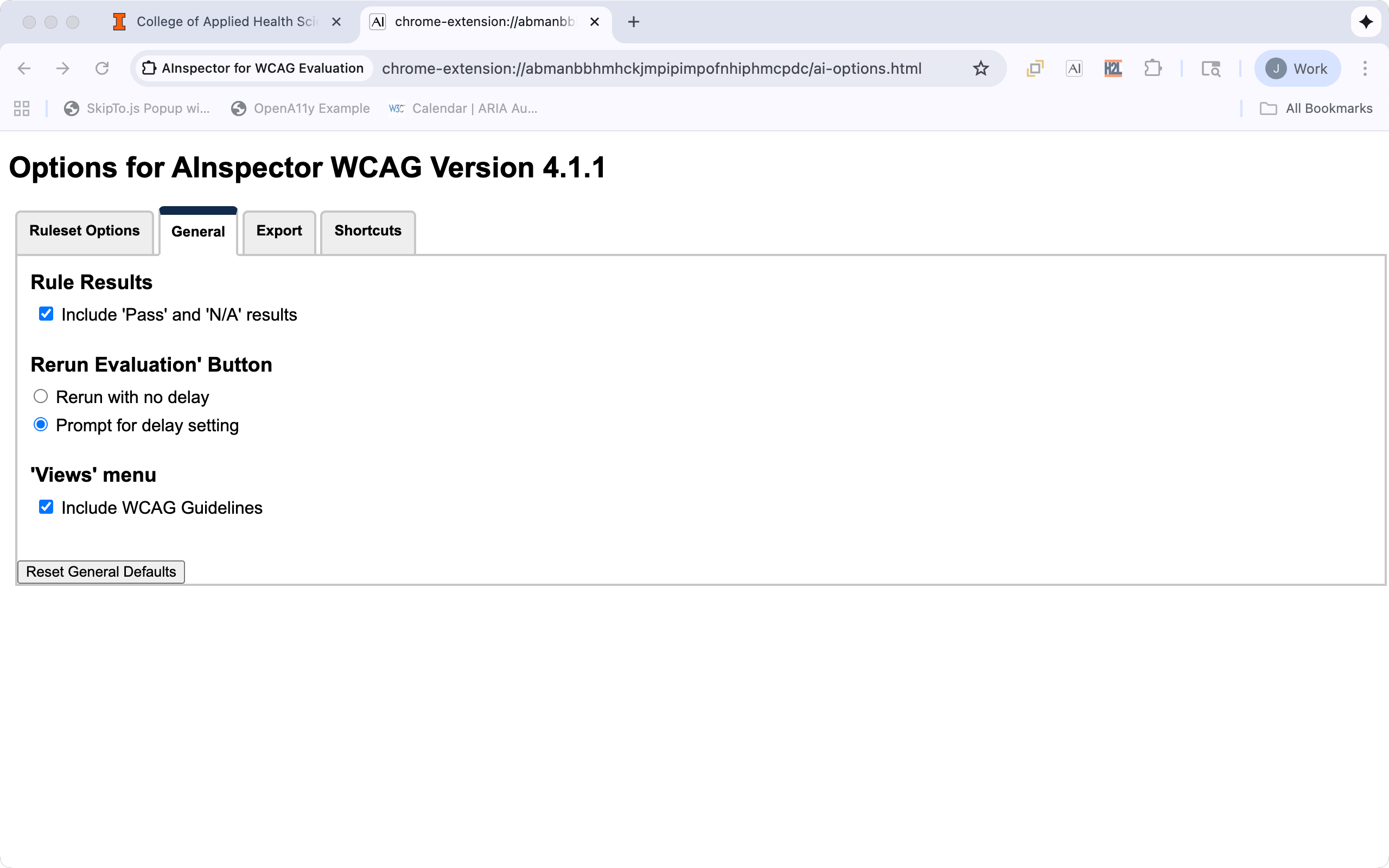
Rule Results
| Option | Default | Description |
|---|---|---|
| Include 'Pass' and 'N/A' results | Checked | To reduce the amount of information in the result grids, uncheck this option to remove rules and rule results that pass or are not applicable form the results. |
Rerun Evaluation Button
| Option | Default | Description |
|---|---|---|
| Rerun with no delay | When the "Rerun Evaluation" button is activated the evaluation will be immediately updated. | |
| Prompt for delay setting | Checked | When the "Rerun Evaluation" button is activated the user will be prompted for a time delay before the evaluation is rerun. This is useful for page with dynamic content, allow the user to set the page features. For example, opening a menu to check the accessibility features when a menu is open. |
'Views' menu
| Option | Default | Description |
|---|---|---|
| Include WCAG Categories | Checked | In the "Views" menu include WCAG Categories in the list of views. |