Opera Browser
Self-Hosted .CRX Install File
AInspector for WCAG Evaluation install file is hosted on this website and requires manual installation into Opera.
Steps:
- Go to the url:
opera::/extensions - Delete any copies of AInspector for WCAG Evaluation
- Use the following link to install the extension: ainspector-opera-4.1.4.crx
- Use Opera options to keep and install the extension
Note: The install package has been submitted to the Opera Addons website and is awaiting publication.
Show Hide Screen Shot
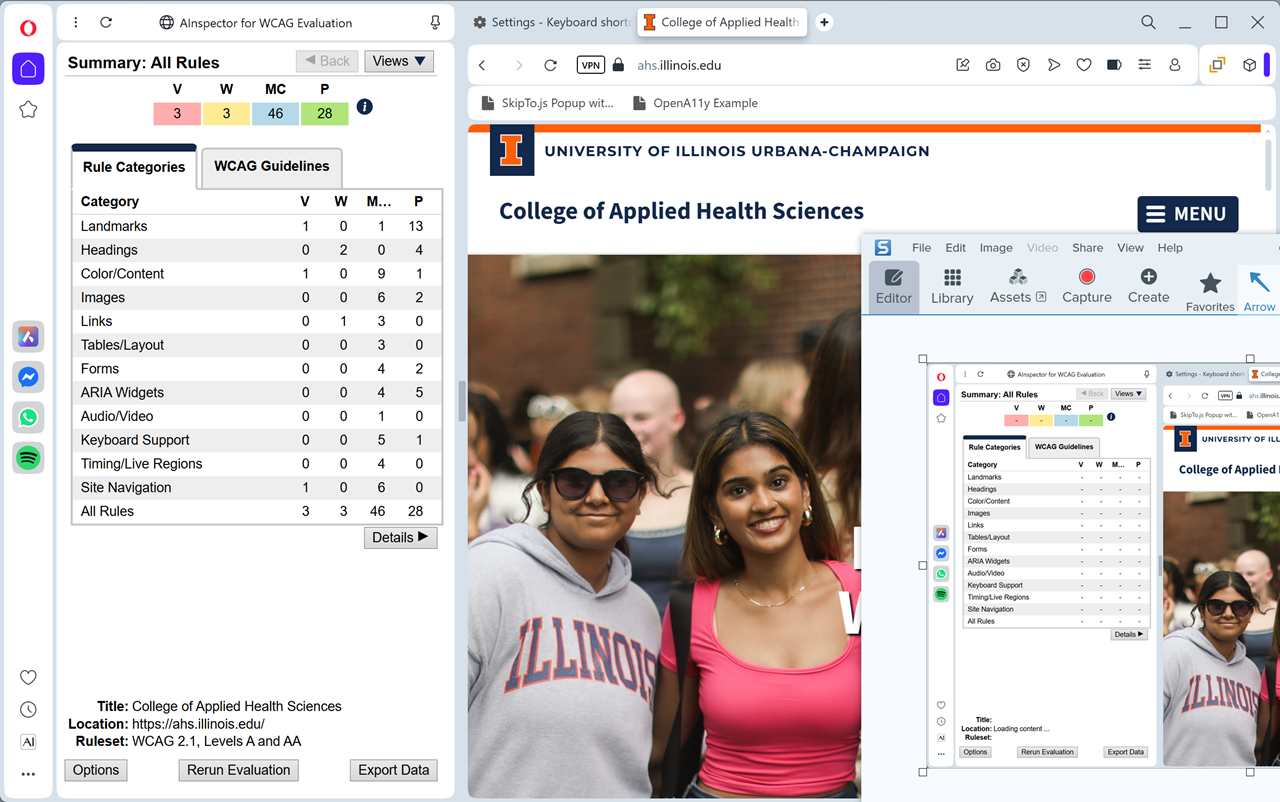
Pinning to Toolbar
AInspector for WCAG Evaluation icon is automatically pinned to the sidebar of Opera.
Show Hide Screen Shot

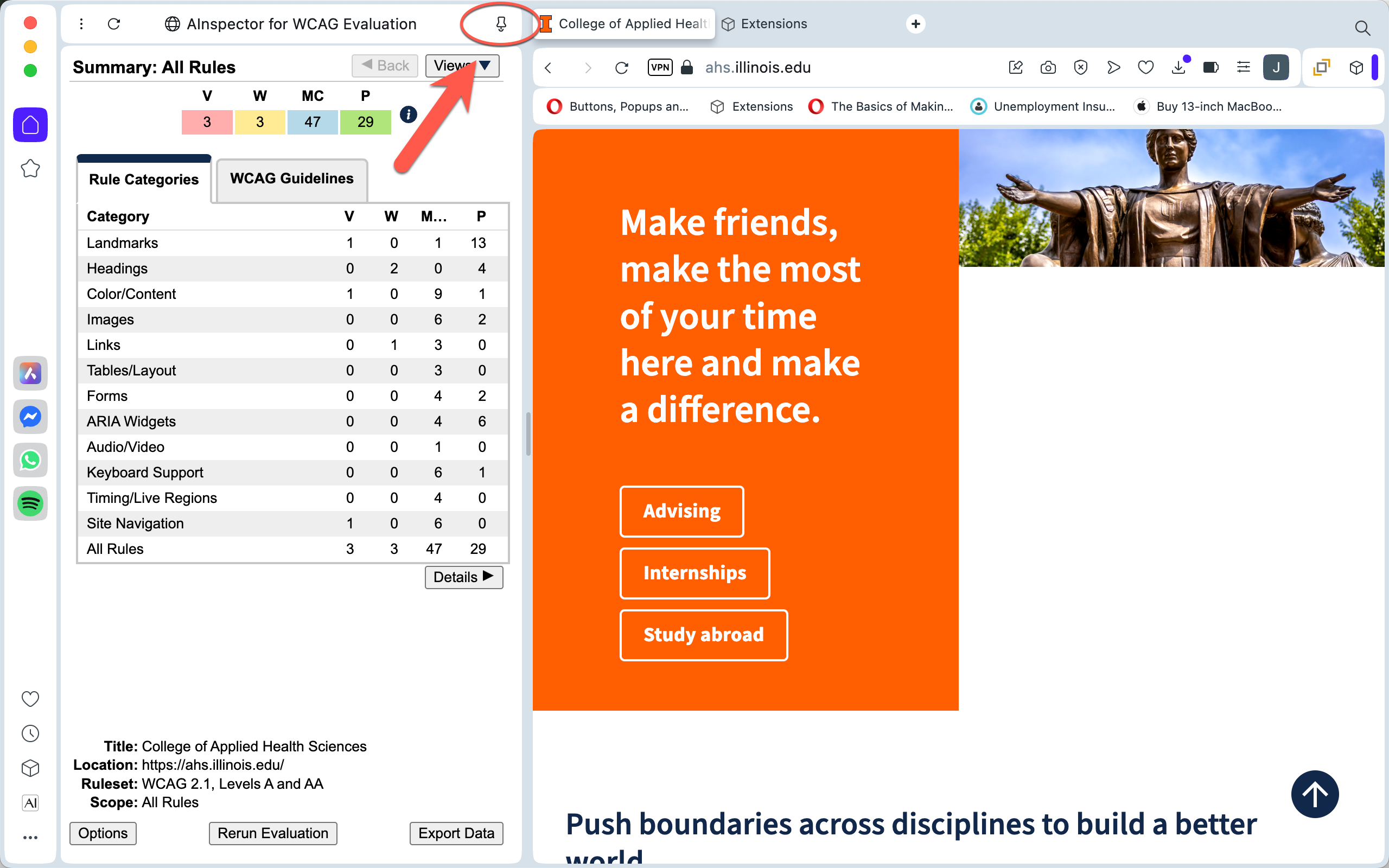
The AInspector for WCAG Evaluation side panel when open can behave two ways: as an overlay on top of the content window or as a separate window to the left of the content window. There is a "pin" at the top of the side panel to toggle between the two options.
Show Hide Screen Shot
Keyboard Shortcut
A keyboard shortcut is predefined in Opera for opening and closing the side panel. The sidebar can also be opened and closed in the "View" option in the Firefox menubar.
- Win/Linux: ctrl+shift+U
- Mac: cmd+shift+U
Changing Side Panel Position
The side panel by default in Opera is positioned on the left side of the screen and cannot be configured for the right side.