Export Options
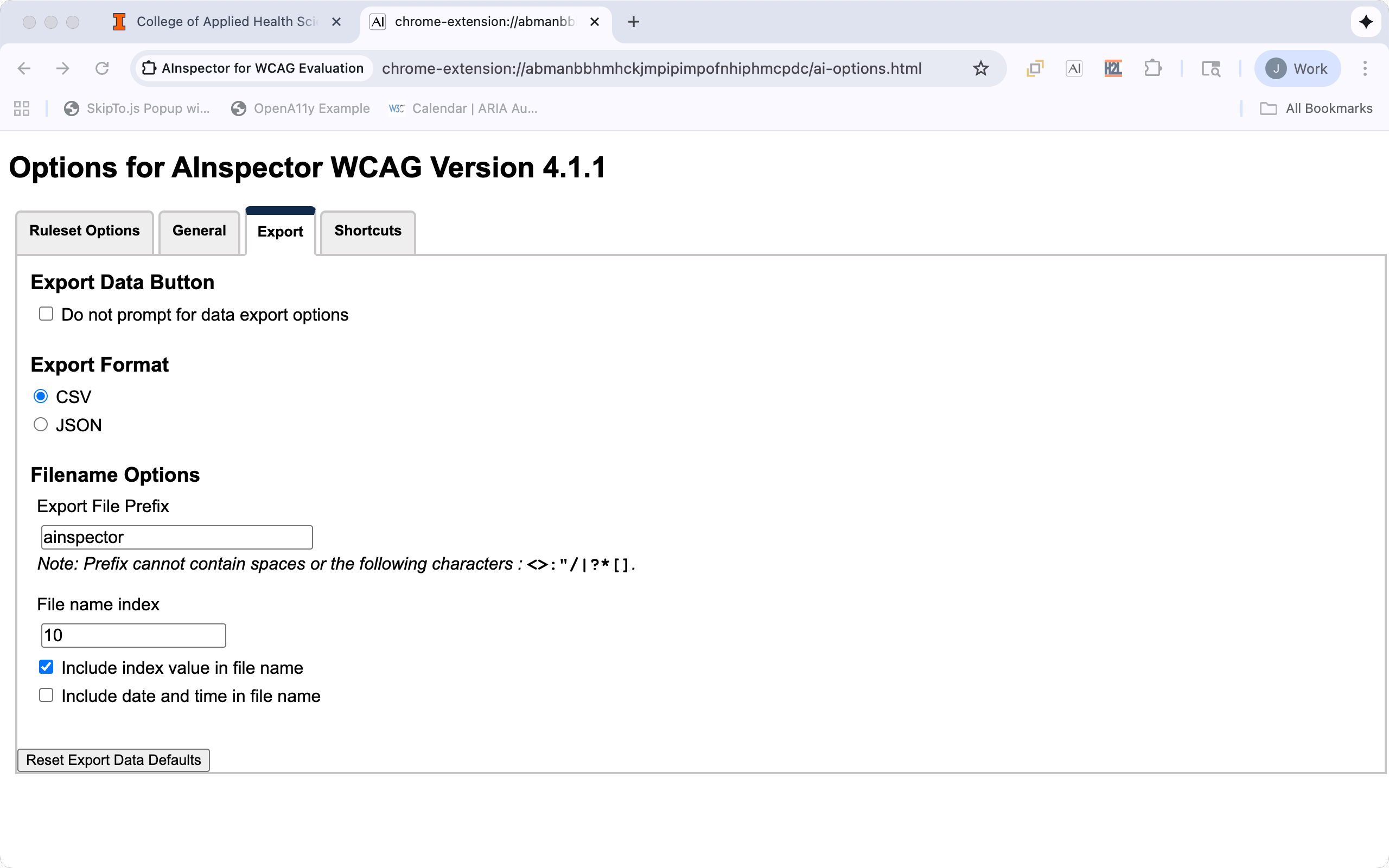
Export Data Button
| Option | Default | Description | Uses |
|---|---|---|---|
| Do not prompt for data export options | Unchecked | When checked the "Save As" box appears immediately using the current option settings. | Saves time from having to go through the "Export Dialog" before saving the file. |
Export Format
| Option | Default | Description | Uses |
|---|---|---|---|
| CSV | Yes | Saves results in a Comma Separated Value (CSV) format. | Useful for human consumption or including in reporting results to other people. |
| JSON | Saves result in Javascript Object Notation (JSON) format. | Useful for additional processing by other programs. |
Filename Options
The default file name in the "Save As" dialog box can be configured with a default prefix, index and date/time information: {prefix}-{index}-{YYYY-MM-DD-HH-MM-SS}. The index and date/time are optional parts of the default file name.
| Option | Default | Description |
|---|---|---|
| Export File Prefix | ainspector |
The first part of the file name for saving results. |
| File name index | 1 |
Starting index value for the file name, it is automatically incremented after each save. |
| Include index value in filename | Checked | When checked the index value is used in the filename. |
| Include date value in filename | Unchecked | When checked the date and time the file created is used in the filename. |